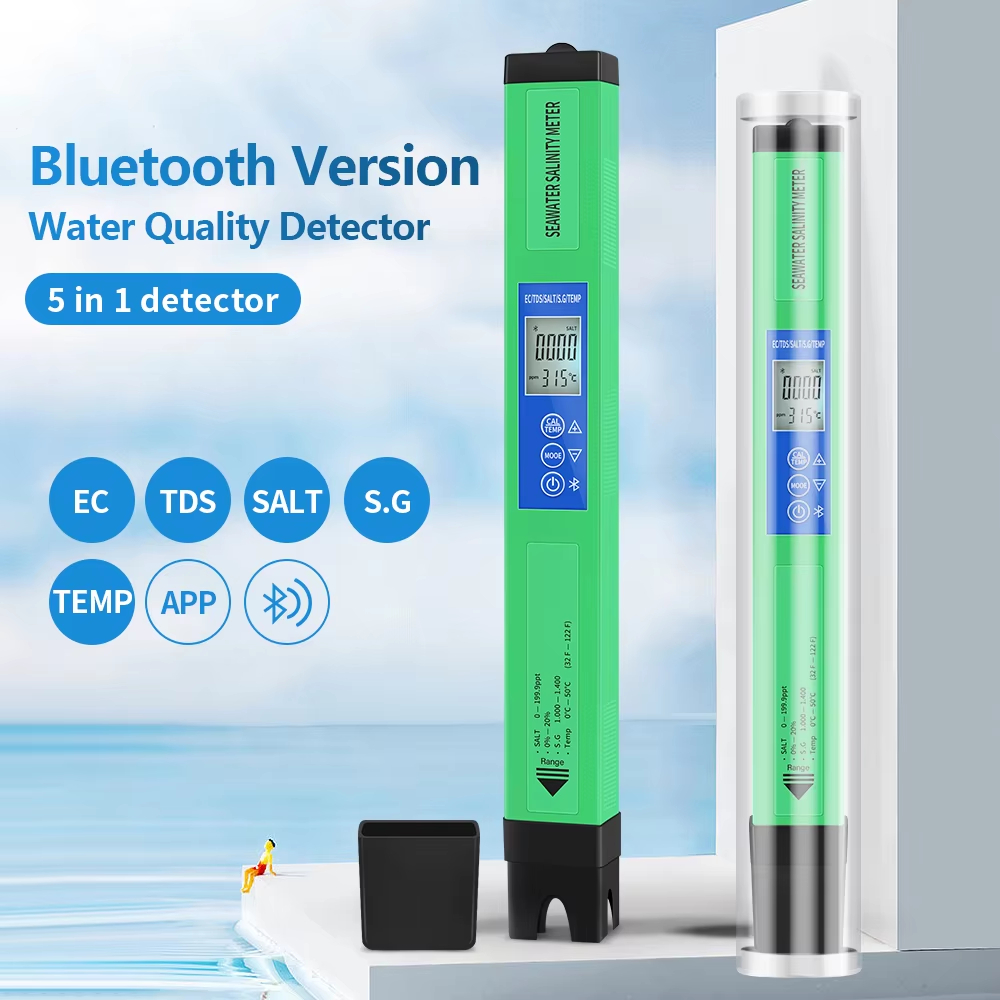
| MODLE |
BT600 |
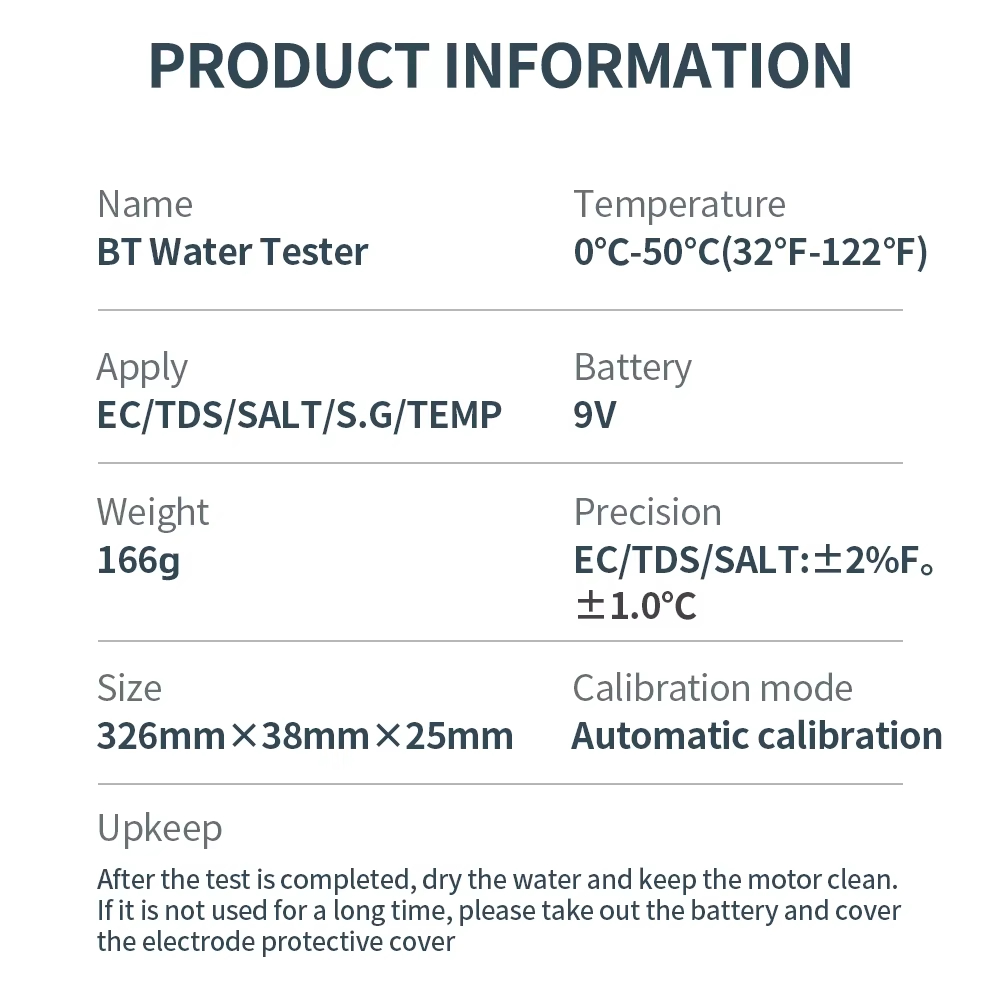
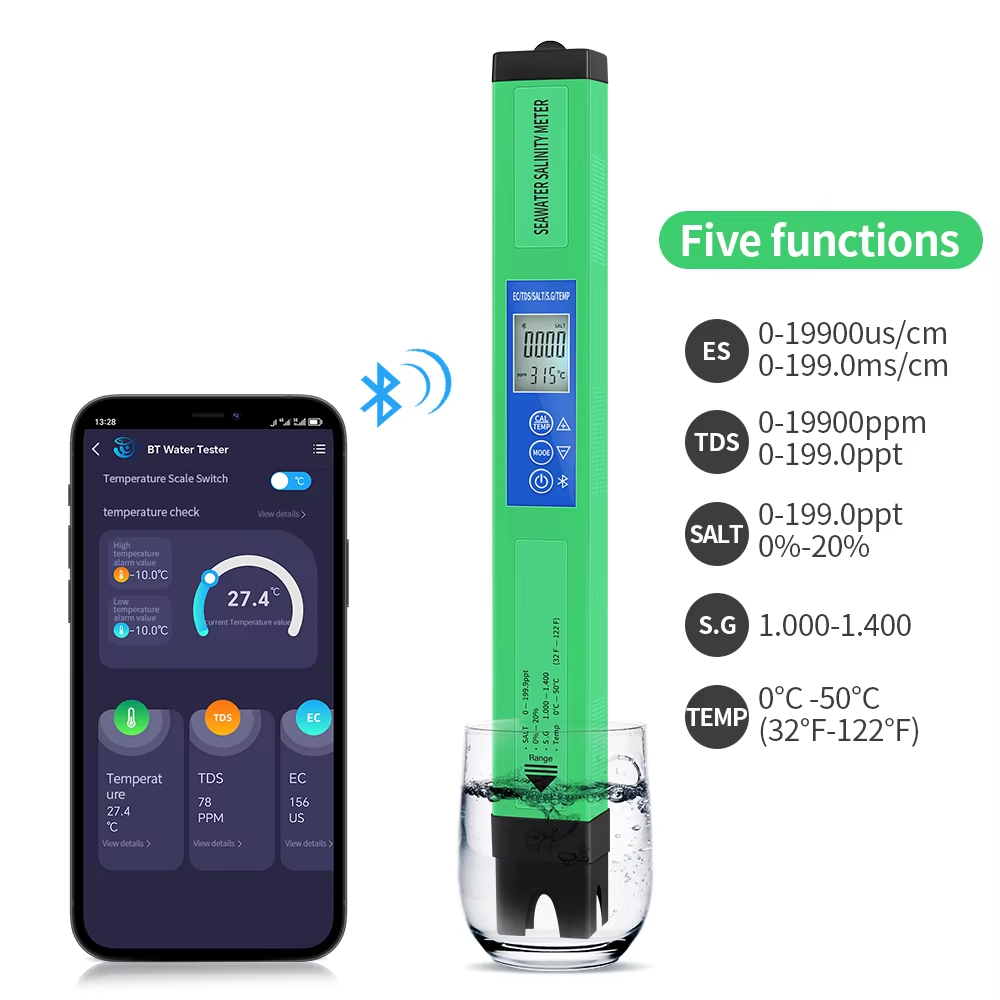
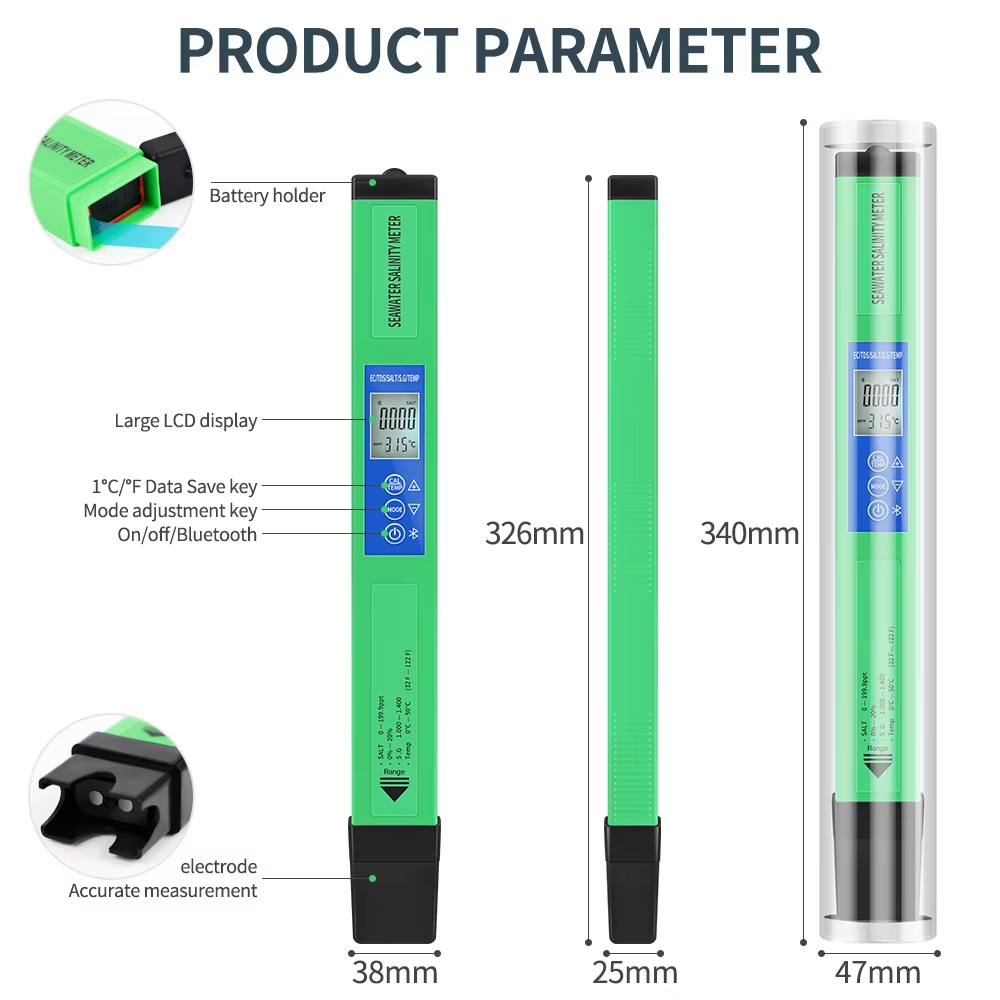
Measure Range:
EC: 0-19900us / cm; 0-199.0 ms/cm
TDS: 0-19900ppm; 0-199.0ppt
SALT: 0-199.0ppt; 0%-20%
S.G: 0.990-1.400
Temp:0°C-50°c(32°F-122°F)
Resolution:
EC:1 us/cm(<1999us/cm); 10us/cm(>1999us/cm); 0.1ms/cm
TDS:1ppm(<1999ppm); 10ppm(>1999ppm); 0.1ppt
SALT:1ppm(<1999ppm); 10ppm(>1999ppm); 0.1ppt; 0.01%
S.G: 0.001
Temp: 0.1°C (0.2°F)
Accuracy:
EC,TDS,SALT: ± 2% F.S
Temp: ±1.0°C
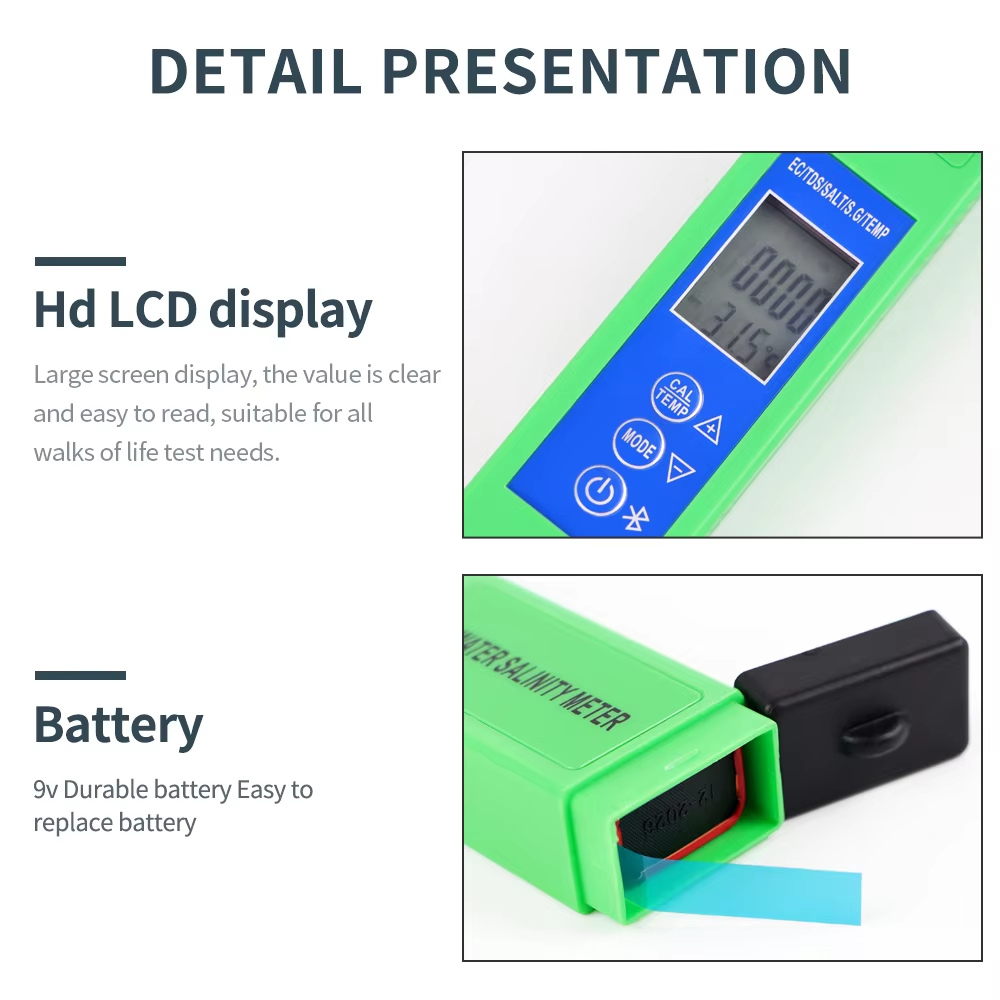
Battery: 1 x 6F22 9V battery (Not include)
Temperature Compensation: 0°C-50°C
Working Temperature: 0°C-50°C |
Feature:
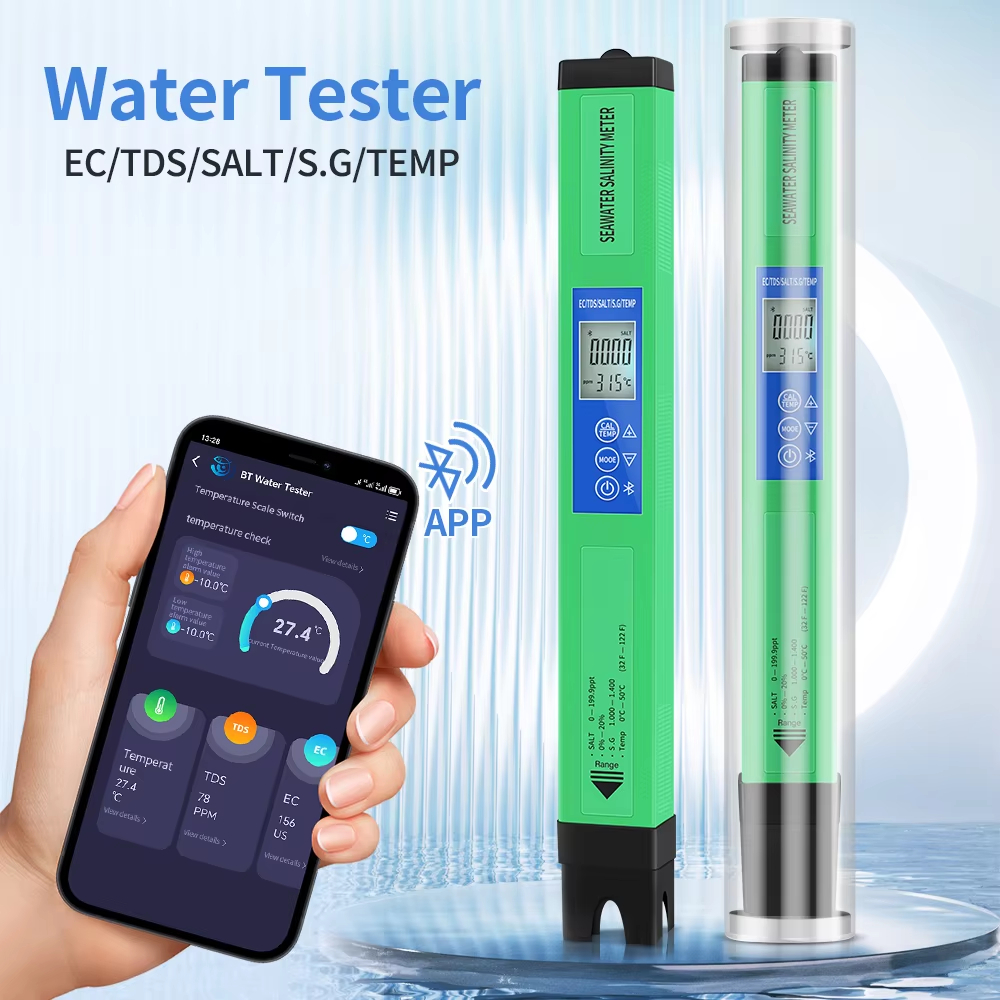
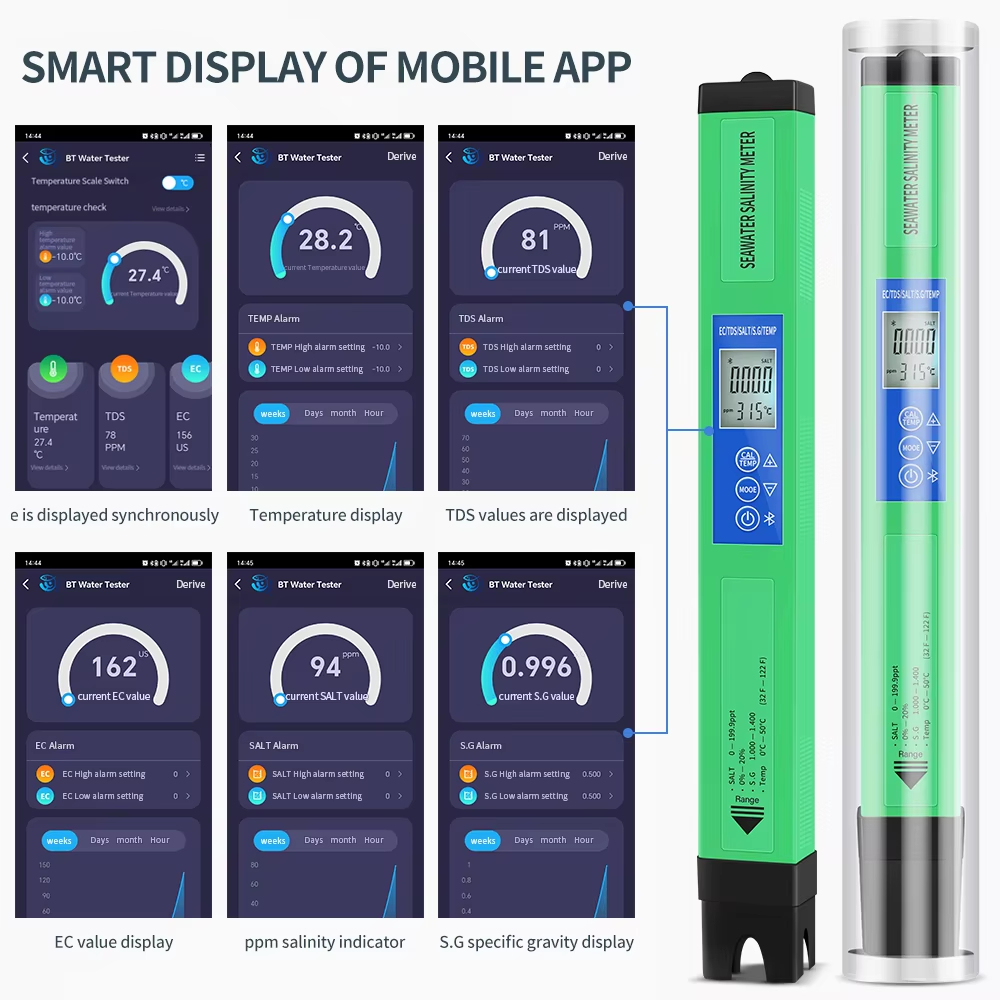
1. Bluetooth Features: The product is for Tuya APP compatible for IOS for Android mobile phones, and mobile phones and devices can transmit real time data within 10 meters.
2. Humanized Design: The product instrument in the case of no operation, disconnect Bluetooth, 8 minutes automatic power off, when the instrument is needed to test, open the Bluetooth system automatic connection, better humanized.
3. Language System: Language support Chinese, Traditional Chinese, English, French, German, Russian, Japanese, Korean, Spanish.
4. Data Export Function: Water quality testing pen supports email data export function, sent hourly, daily, weekly, and monthly in the form of email.
How to Use:
1. Remove the cap. Turn on the panel.
2. Clean the electrode with distilled water and dry the electrode with filter paper.
3. Dip the electrode into the test solution.
4. Stir gently and wait for the reading to stabilize.
5. Tap the "Mode" button to select the mode measurement.
6. Turn off the meter after use. Clean the electrodes with distilled water to minimize contamination.
7. Replace the cap after use.